 ConnectOnion
1.8.9b21 — OneNote by row number
An opt-in preview on the 1.8.9 fix line (#1722). Stable is 1.8.8.
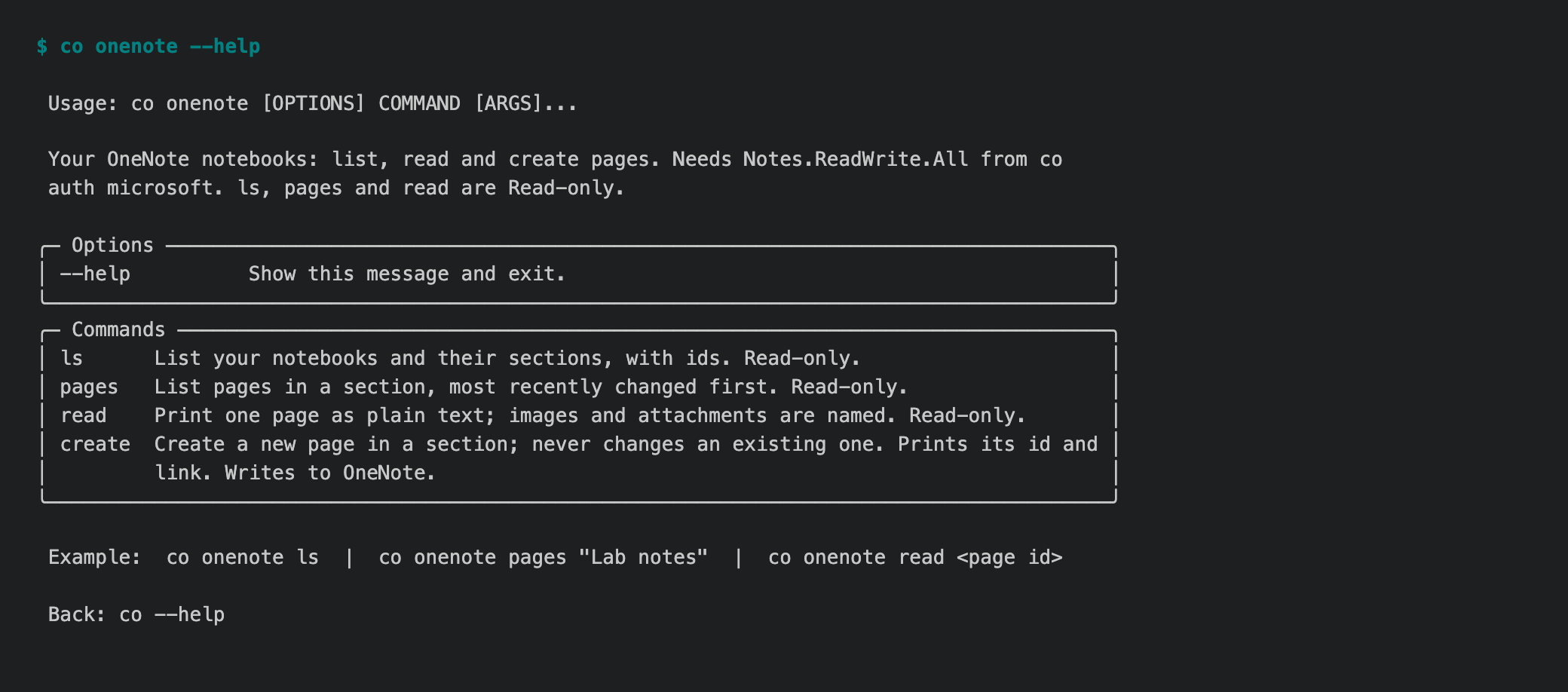
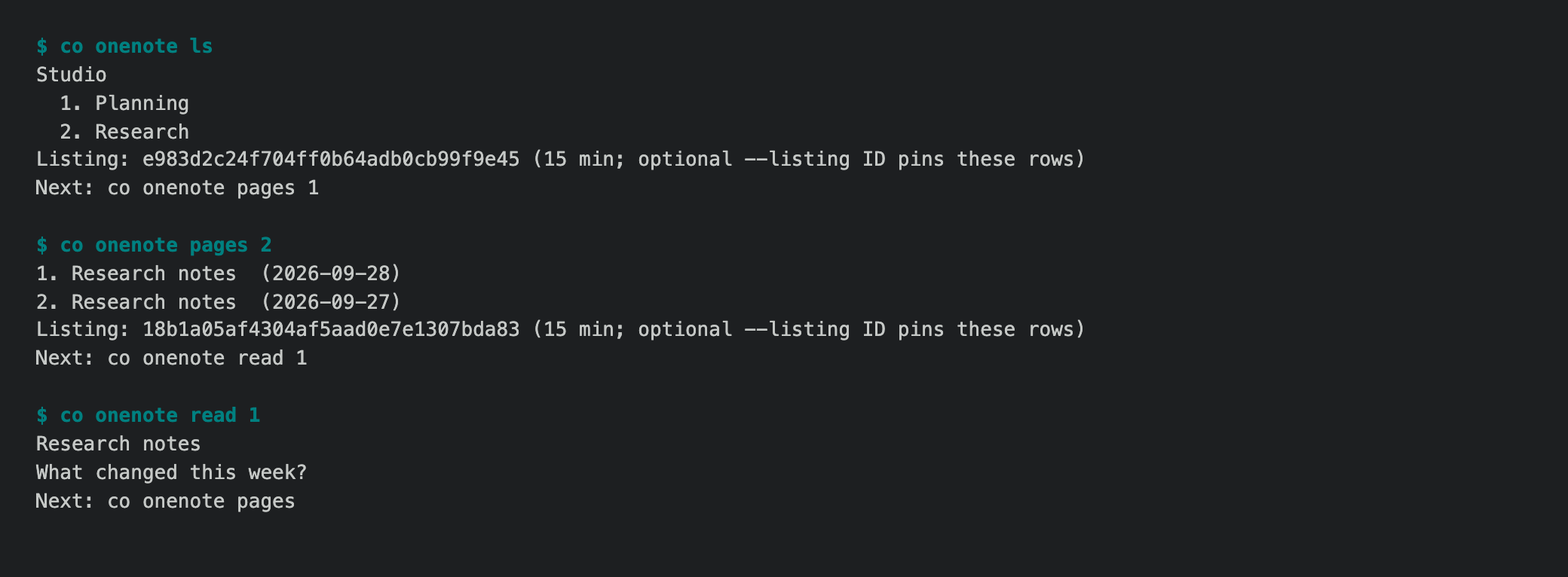
OneNote worked on a personal Microsoft account in b20, but reading a page still required copying a long Graph ID or an exact, quoted name. Two sections or pages can have the same name. The CLI now gives those lists short row numbers (#1915, #1917):
co onenote ls
co onenote pages 2
co onenote read 1
Bare co onenote shows recent numbered pages across notebooks. A section
number comes from ls; a page number comes from pages. They are kept for
15 minutes under the selected Microsoft account, without caching page bodies
or titles. Re-listing replaces the default numbers; --listing <id> pins a
specific displayed list. Exact names and Graph IDs still work. An empty list
clears its old row references.
co onenote create 2 "Title" "Body" shows the notebook and section and asks
for confirmation, defaulting to No. A noninteractive script must use a full
section ID or an explicit --listing token. If Graph times out after a create
request, the CLI says that the page may already exist so a retry does not
silently create a duplicate.
Install
python -m pip install --upgrade 'connectonion==1.8.9b21'
co --version
Verification and limits
The CLI journey and row-safety tests passed with duplicate page titles,
an empty re-list, an account change and an expired list. co audit co onenote
passed all five help pages. A connected account completed ls, recent pages,
read 1 and pages 2 read-only; no page was created during live acceptance.
OneNote can take seconds to list a large section. A numbered row is a temporary terminal convenience; keep the full ID for durable automation.